

Veo Camera
Livestream School Sport Matches Like a Pro
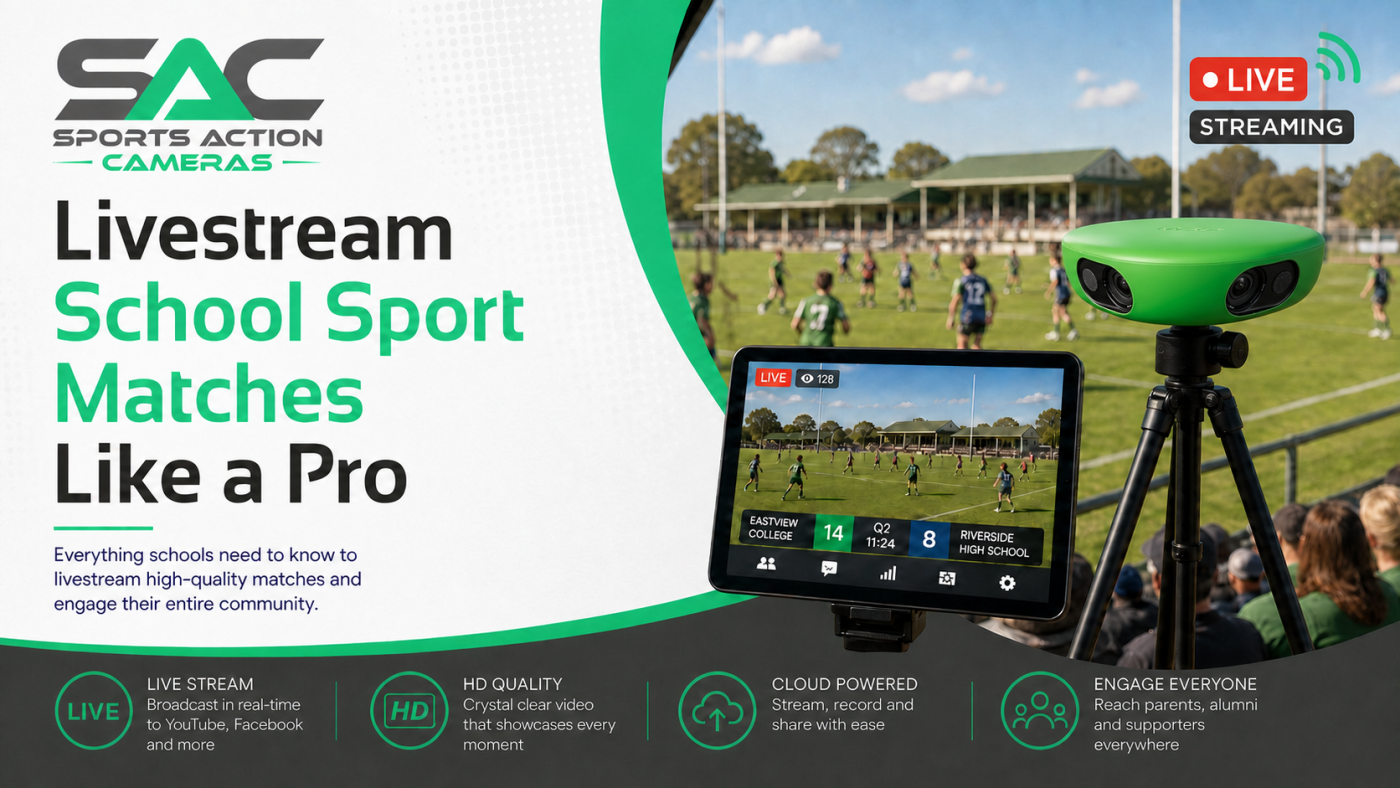
The final whistle should not be the only way families hear about a great school match. When a Year 9 netball side takes a close game into the last quarter or the First XV scores late, parents, grandparents and old scholars want to be part of it – even when they cannot make it to the court or field. The right setup to livestream school sport matches gives your community a front-row view while creating valuable footage for coaches and players.
For sports departments, the opportunity is bigger than broadcasting. A well-run stream can build school spirit, recognise player effort, support team analysis and give busy families a practical way to stay connected. But it only works when the technology, permissions and match-day process are planned properly.
Livestream school sport matches with a purpose
Schools do not need to turn every Saturday fixture into a television production. They need dependable coverage that is easy for staff to manage and good enough for viewers to follow the action. That distinction matters. A shaky mobile video from the sideline may be fine for a quick clip, but it rarely delivers a watchable full match or useful coaching footage.
An AI-powered sports camera is designed for the job. Positioned high behind the playing area, it can capture the full width of a field or court and track play without requiring someone to operate it throughout the game. This is particularly useful when the teacher in charge is also managing substitutions, first aid, officials and transport details.
For school sport, the strongest case is usually a combined one: livestream the match for the community, then retain the recording for review. Coaches can revisit transition moments, team shape, set pieces and decision-making. Players can see situations they may not have recognised in the heat of competition. The same fixture becomes both a shared experience and a development tool.
Start with permission, privacy and school policy
Before choosing a camera or planning a broadcast, establish who can view the stream and what consent process applies. School sport involves minors, visiting teams and sometimes sensitive circumstances. A clear policy protects students and makes match-day decisions easier for staff.
Work with your school leadership and safeguarding team on consent requirements, access settings and the handling of recorded footage. In many cases, a private or restricted stream is the sensible option. Families receive access through an approved channel, rather than the match being open to the public. This also gives the school more control over how highlights are shared.
Be clear with opposition schools before game day. Let them know the fixture is being recorded or streamed, explain the access arrangement and confirm their own consent expectations. Signage at the venue is a useful extra safeguard, especially for carnivals and home rounds with a larger crowd.
Commentary needs the same care. Keep it positive, factual and school-appropriate. Avoid singling out students for criticism, discussing injuries beyond what is necessary, or sharing personal details. For many schools, no commentary at all is the best starting point. Good wide-angle coverage and natural match sound can still make for an engaging viewing experience.
Choose coverage that suits the sport
A camera that works beautifully for football may need a different position for basketball or volleyball. The goal is always the same: show enough of the playing area for viewers to understand the contest, without placing equipment where it blocks access or creates a hazard.
For outdoor field sports such as AFL, football, rugby, hockey and touch football, height is your friend. A stable carbon fibre tripod positioned around halfway, well outside the boundary and with a clear line of sight, gives the camera the best chance of seeing play develop. Avoid a low sideline position where coaches, interchange players and spectators continually obstruct the view.
Court sports require more attention to the venue. In netball, basketball, futsal and volleyball, place the camera where it captures both ends and does not interfere with benches, scorers or run-off areas. Indoor lighting can vary sharply between venues, so test your preferred position before a major fixture rather than relying on a first attempt during finals.
Do not underestimate safety and stability. A purpose-built tripod, secure mounting option and protective carry case are practical essentials, not add-ons. Wind, uneven grass and busy school grounds can quickly expose a makeshift setup. The camera should be high enough for a useful angle, weighted and stable, and set outside the active area.
Internet is the difference between recording and live viewing
Recording a match and livestreaming it are related, but they are not the same operational task. You can record excellent footage without a venue internet connection. For a reliable live broadcast, however, the upload connection at the ground must be tested.
School WiFi can be excellent in classrooms and patchy near ovals, tennis courts or remote fields. Before promising a livestream, run a test from the exact camera location at roughly the same time of day. Check whether the network holds steady when students, spectators and staff are also using it. A fast download result does not guarantee sufficient upload speed for a live feed.
A 5G-enabled camera can be a smart option for grounds where WiFi does not reach or is not available to external sporting groups. It offers greater flexibility, but mobile coverage and data allowances still need checking. Some venues have strong service on one side of the field and weak service on the other. Test first, then build your process around what the venue can genuinely support.
When connectivity is uncertain, record locally and share the match afterwards. That is not a failure. A complete, watchable recording is far more valuable than a livestream that drops out during the decisive minutes. The best schools set expectations honestly: live where the connection is proven, replay where it is not.
Build a match-day routine staff can repeat
Technology should reduce workload, not create another job for the teacher on duty. The most successful school programmes use a simple checklist that can be handled by a coach, team manager or trained student media crew.
The routine should cover charging the camera, checking subscription access, confirming the fixture details, arriving early enough to select a safe position, setting up the tripod, checking the view and verifying the internet connection. Allow extra time for away venues, where spectator areas and power access may be different from what you expected.
It is also worth assigning one person to own the broadcast process. That does not mean they must stand behind the camera all day. It means they know where the equipment is, can confirm the stream is live and can troubleshoot if something changes. Shared responsibility often becomes no responsibility on a busy Saturday morning.
After the match, pack equipment promptly and review any issues while they are fresh. Was the camera position too low? Did the WiFi struggle? Was the stream shared with the right families? Small adjustments from one round to the next quickly create a professional, dependable operation.
Make the footage useful after the siren
A livestream earns attention in the moment. The recording earns value across the season. Coaches can use full-match footage to prepare the next training session, identify patterns and provide clearer feedback than memory alone allows.
Keep review focused. Rather than asking players to watch an entire match without direction, select a theme such as defensive spacing, pressure after a turnover or movement through the middle. This gives students a practical lens for improvement and avoids turning video analysis into a lengthy lecture.
Highlights can also help recognise effort across the programme. A well-timed intercept, unselfish pass, chase-down tackle or strong team sequence deserves to be seen. Follow school policy when sharing clips, and celebrate the behaviours you want repeated rather than only the final score.
For schools looking to bring this capability in-house, the Veo Cam 3 ecosystem offers a sports-specific pathway for recording, AI-assisted coverage and streaming, with the right subscription required for platform features. Sports Action Cameras Australia can help schools choose suitable hardware, accessories and a setup that suits their grounds, sports and budget.
Give your community a better seat
The best livestream is not the one with the most complicated setup. It is the one that starts on time, shows the contest clearly and lets a parent at work or a grandparent interstate feel close to the team. Start with one sport, one reliable venue and a repeatable process. Once staff trust the setup, your school can record every game that matters – and give every player another chance to learn from it.